Use Wispr Flow when typing slows your daily output
Wispr Flow fits users who write many messages, notes, documents, prompts, emails, or task updates every day. The value is not just dictation. The value is turning spoken thoughts into cleaner text with less manual typing.
Before adopting any dictation tool, test it inside your real work: a message thread, a document, a daily note, and a longer idea. That shows whether it saves time after correction and editing.
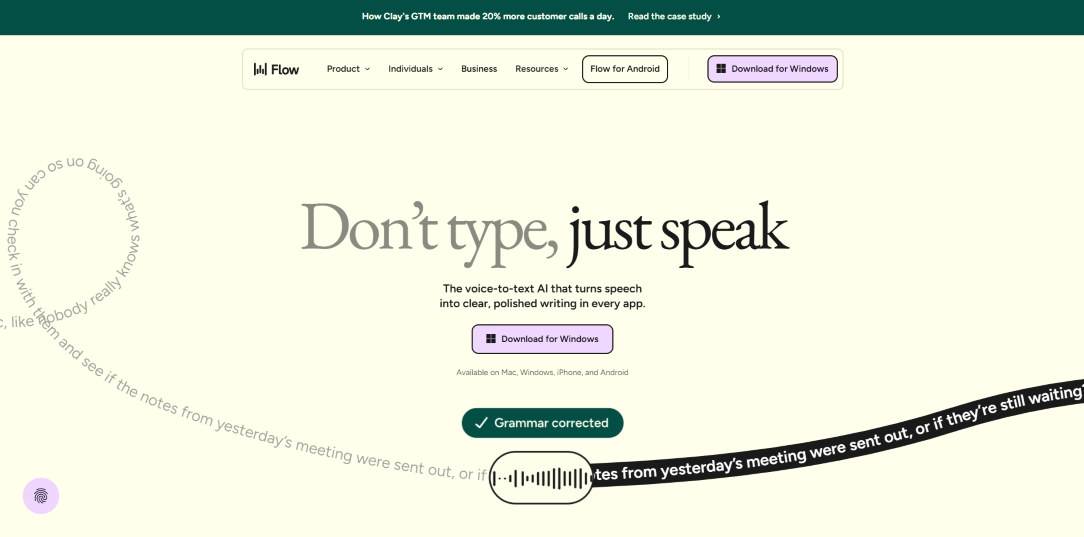
Best workflow fits
- Writing emails, messages, and notes without typing every sentence.
- Capturing ideas quickly before turning them into polished content.
- Drafting prompts, briefs, and outlines for AI-assisted work.
- Reducing typing friction for busy creators, founders, and operators.
- Building a voice-first productivity habit across daily apps.
What to check before using it daily
Review app compatibility, language support, correction quality, privacy expectations, speed, and whether the tool works in the places you already write. A dictation tool should fit your current workflow rather than forcing a new one.
Review Wispr Flow for daily writing
Try it with one normal workday of messages, notes, and drafts to see whether it reduces typing friction.
Try Wispr Flow