Start with the workflow, not the tool
Jotform is best known for online forms, but the real value appears when a form becomes part of a repeatable workflow. A business may need to collect leads, register event attendees, gather onboarding details, accept files, process payments, or route customer requests to the right team.
Jotform AI Agents add another layer for teams that want conversational intake, support, or scheduling experiences. Before using an AI agent, define the questions customers ask most often and decide what information the agent should collect before a human follows up.
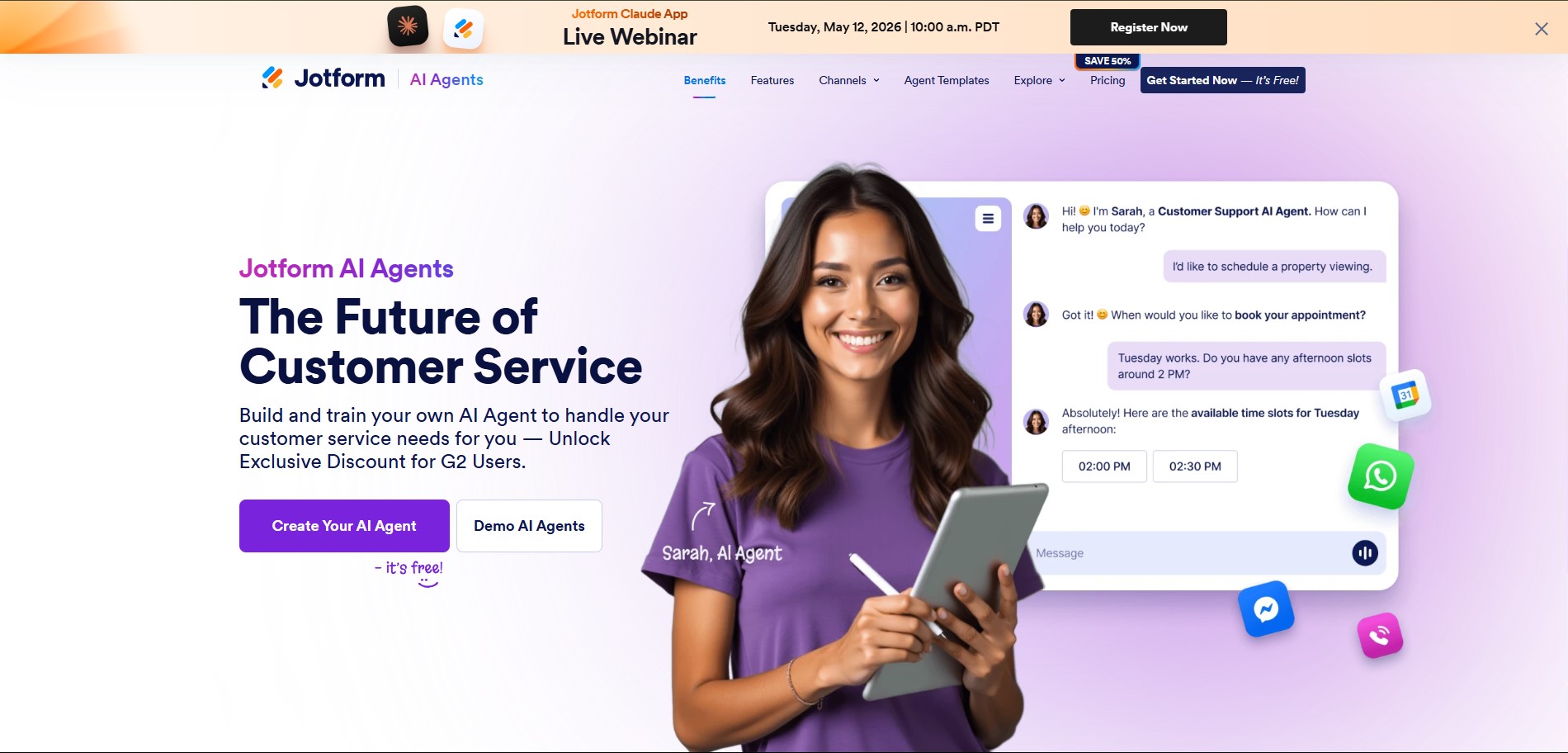
Where Jotform AI Agents may fit
- Customer support intake for common questions and appointment requests.
- Lead qualification before a sales or consultation call.
- Event registration support and attendee information collection.
- Service business intake for quotes, bookings, and onboarding.
- Internal request workflows where structured information matters.
How to review Jotform before signing up
Check the form builder, templates, logic features, integrations, payment options, privacy controls, submission limits, and team features. If you are comparing plans, use the pricing page to confirm current limits and terms directly.
For AI Agents, review channel options, training controls, conversation quality, handoff process, and whether the agent supports your specific customer workflow.
Simple Jotform workflow checklist
- Choose one form use case, such as intake, registration, survey, or payment.
- Write the follow-up process before building the form.
- Use required fields only when the data is actually needed.
- Test notifications, integrations, and submission routing.
- Review the current plan limits before sending traffic to the form.
Review Jotform for your workflow
Start with AI Agents if you need conversational intake, or compare pricing if your main concern is form volume, features, and team usage.
Explore Jotform AI Agents Compare Jotform Pricing